Tried with a phone photo, not a clean file
Our test picture was a stamp printed on a sheet of office paper and photographed under a desk lamp: yellowish light, brighter in one corner, darker in the other, and two printed lines of text above the stamp. That is closer to what people really have than a neat PNG.
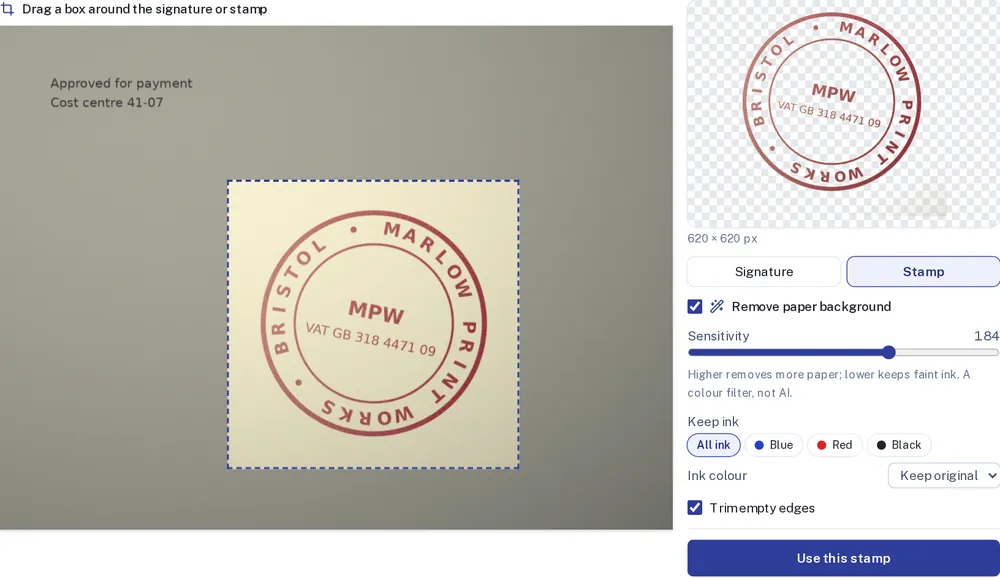
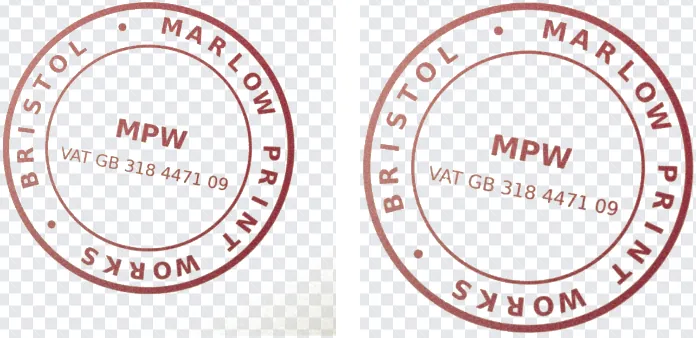
The first cut-out left a grey patch in the bottom-right corner, where the lamp light was weakest and the paper looked darker than the rest. Setting Keep ink to Red (the colour of this stamp) removed it.
Size: about 4 cm to start with
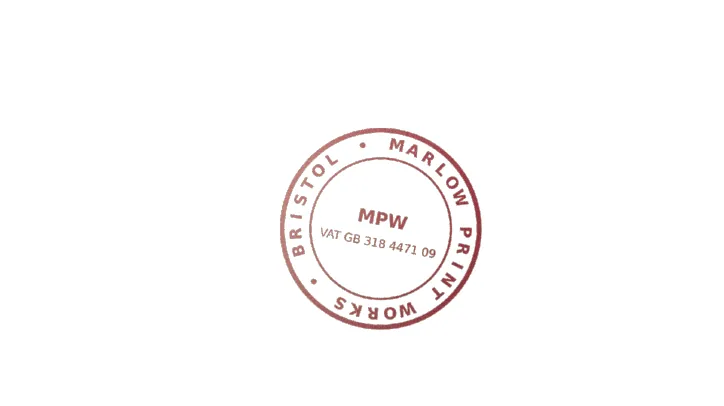
A photo does not tell us how big the stamp really is, so it is placed about 40 mm wide, near the bottom of the last page. Drag the corner to match your stamp before you download. If you have the stamp on a scanned PDF instead, use stamp PDF to PDF, which keeps the real size for you.
Good to know
- JPG and PNG are accepted: a phone photo, a scan of a stamp print, or a stamp image you made earlier.
- Shoot the stamp straight from above. A tilted phone turns a circle into an oval, and no filter can undo that.
- The image and the PDF stay in your browser. Nothing is uploaded.