One box or two
On most papers the stamp is pressed over the signature, so they overlap. Then the simplest is one box around both: they travel together and keep their position relative to each other. If the signature and the stamp are apart, draw a box around each and add them one after the other. Both go across in one step.
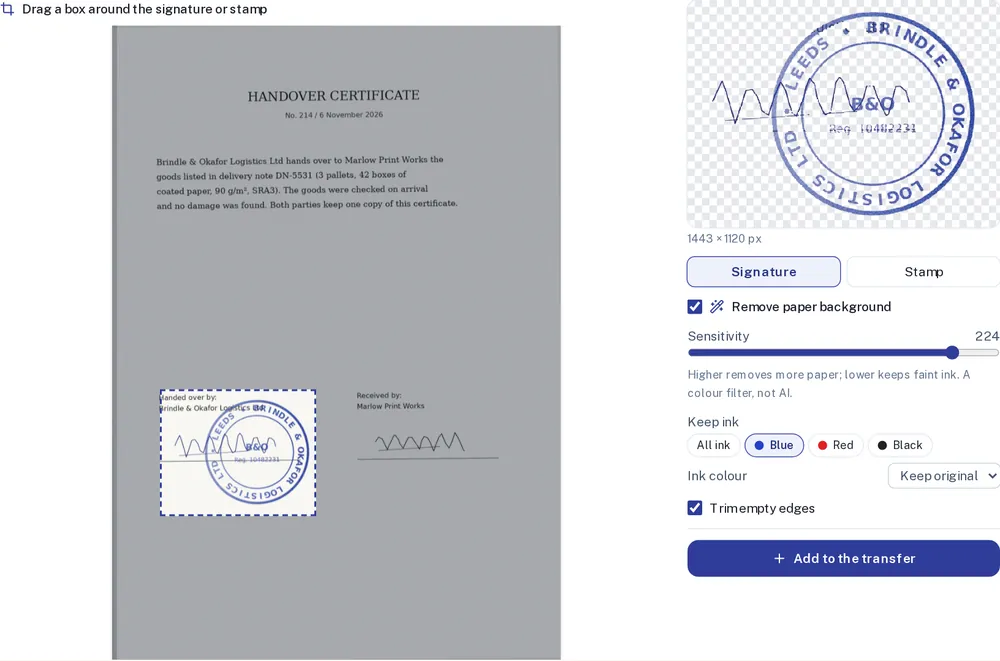
After you continue
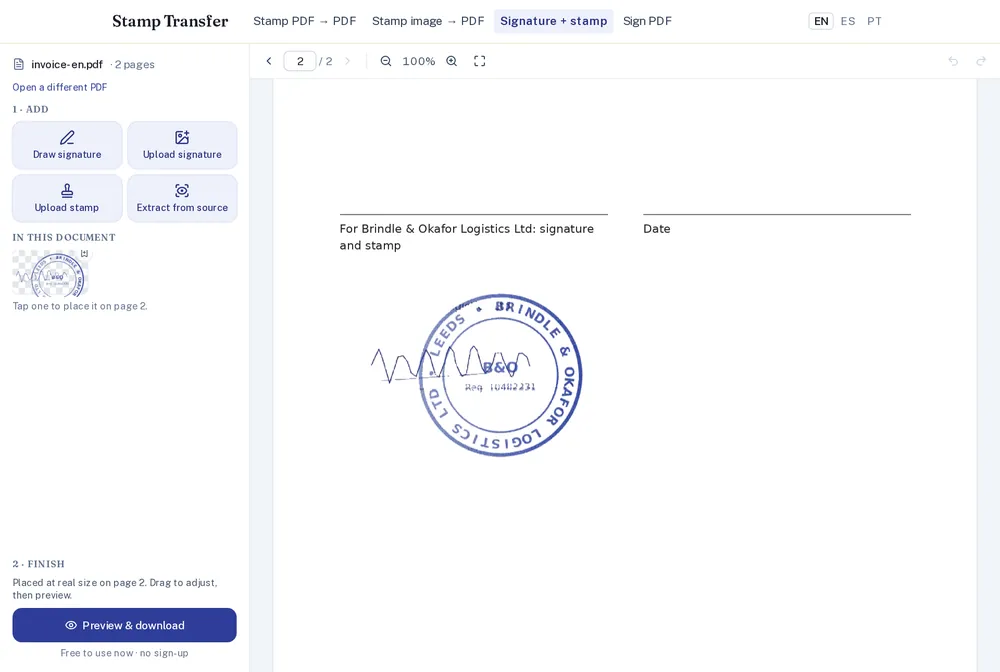
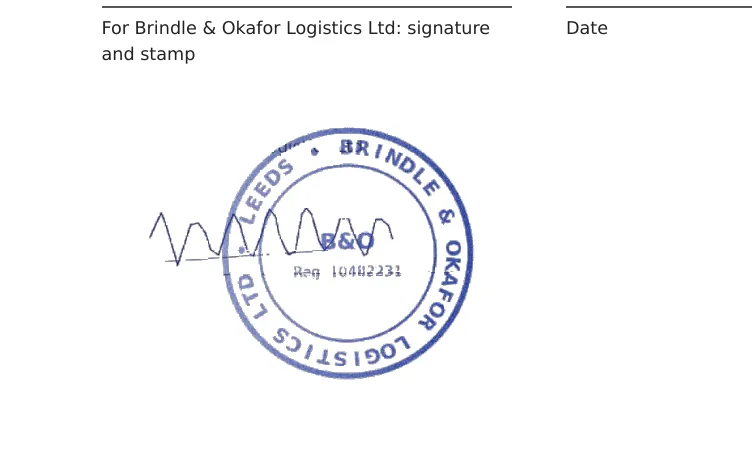
The editor opens at the page where the marks were placed (by default the last page) and shows them at the size they had on the scan. In our invoice they landed a little below the "signature and stamp" line, because that is where they sat on the certificate. One drag fixed it.
Before you use it
A copied signature is an image on the page, not a digital signature with a certificate. It is fine where a scanned signed copy is accepted, which covers a lot of everyday paperwork. Where a qualified electronic signature is required, it will not do. And copy only marks that are yours, or that you were asked to use.